Log in
Click on Login/Register button on the right side of the homepage.
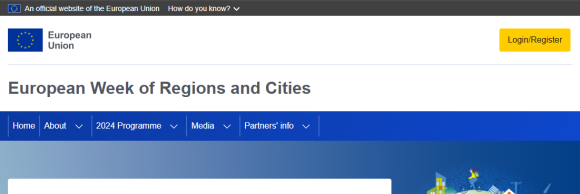
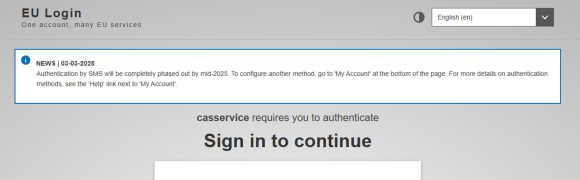
Sign in with your EU Login (or create an account if you don’t have one).
To increase security, Two Factor Authentication has been implemented on the platform. This means you need to perform two steps to log in: first your password and then an additional verification method.
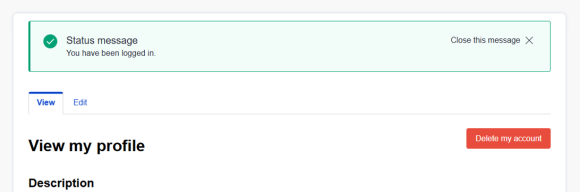
You will be redirected to your profile page. Create your profile and save it.
Create your application
Go to the section My Account and click on Propose a new session.
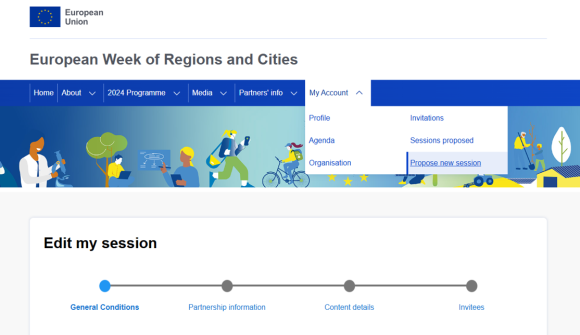
General conditions
You must agree with the conditions to be able to apply
Partnership information
Lead organisation contact – If your organisation is not registered in the platform, you will need to add it by clicking on the blue button.

Select a programme
For the Official programme, the venue and logistics are provided by the EURegionsWeek organisers. This does not apply to sessions organised by regional partnerships at their own venues or "EURegionsWeek Close to you" programme.
Select a Type of Partnership
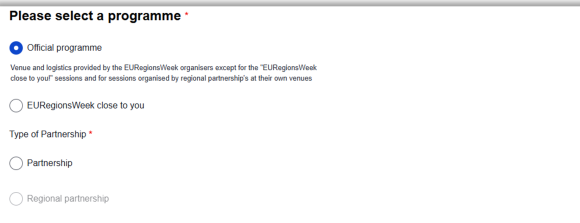
Associated partner – Except in the case of institutional partners, it is strongly recommended to apply in partnership with at least one other entity in order to be selected.
Please note that only local and regional authorities can apply for a regional partnership.

Content details
The fields to complete here will vary depending on choices made, and include:
- Title
- Short description
- Format (see Format details for further information)
Number of participants expected onsite (estimate)
Interpretation (depending on the session format, EN + max 2 languages)
Press contact (for those interested in Media programme)
Session image
Keywords (at least 3 to be selected)
Invitees
In the Invitation section you will need to add (aka ‘invite’) speakers, moderator and coordinators of your session.
COORDINATORS
You will need to invite someone to be a secondary, or backup, coordinator. The application process cannot be completed without designating a backup coordinator. Please make sure to provide contact email addresses that are checked regularly. Otherwise, you might miss some important notifications.
SPEAKERS & MODERATORS
Depending on the format, you may also need to invite speaker and/or moderator to take part in your session. Although you will have possibility to refine your session later on (once selected), we strongly encourage you to add (potential) speakers and moderators during the application phase to showcase the relevance and attractiveness of your session.
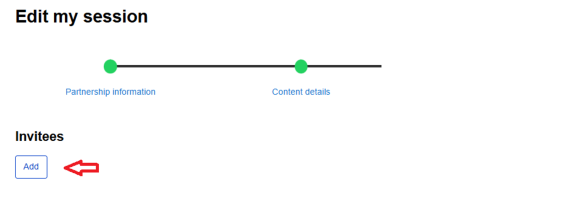
To add a speaker, a moderator or a coordinator, click on the Add button:
A pop-up box will appear:
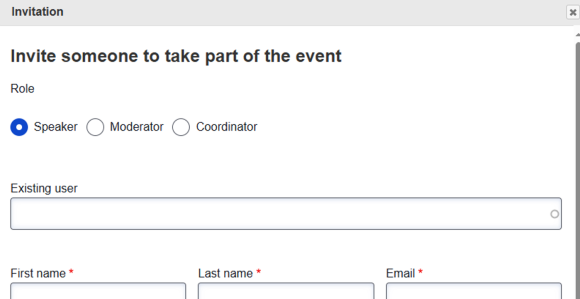
Choose Speaker, Moderator or Coordinator.
If the person you are inviting has already created an account, you can type their name into the ‘Existing user’ field, and they should appear in a list for you to select.
If they do not have an account, simply fill in the remaining fields and click on submit to send an email inviting them to create a profile and accept the invitation.
You can also add a photo and a description of the person at this point if you wish.
Submit your application
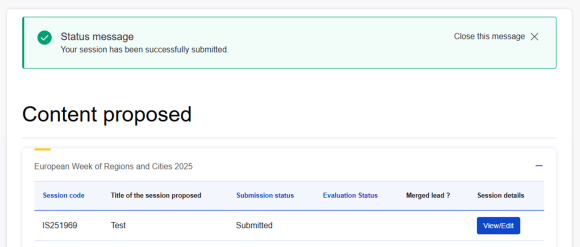
Once you have completed all the fields you can submit your proposal.
Edit your application
After submitting your proposal you can still edit it, cancel it and download a copy in pdf version.
Important: the deadline to submit a proposal is 26 April. Please note that no support via email will be available during the weekend.